
Your Jira worklogs, as a timesheet you can actually read.
Tally is a browser extension for Jira Cloud. It reads the worklogs your own account can already see and lays them out as a day agenda, a week grid, a searchable log, and a team view. It also runs a stopwatch that stays in your browser until you decide to log it.
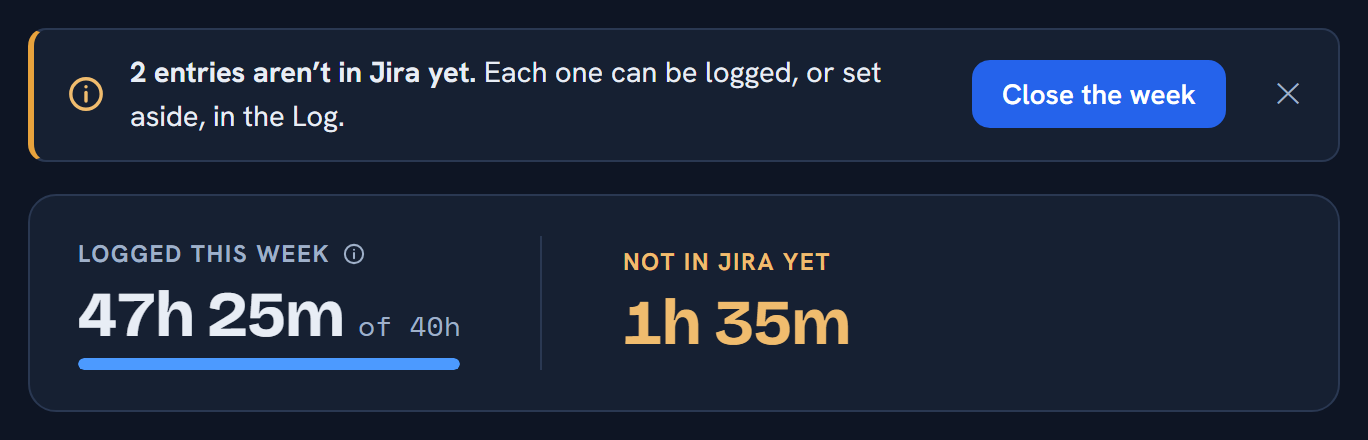
2h 15m tracked today isn’t in Jira yet.
Submitted to both stores on 1 September 2026. The links go live when review clears.
What you get
Four views, and a stopwatch that survives being closed.
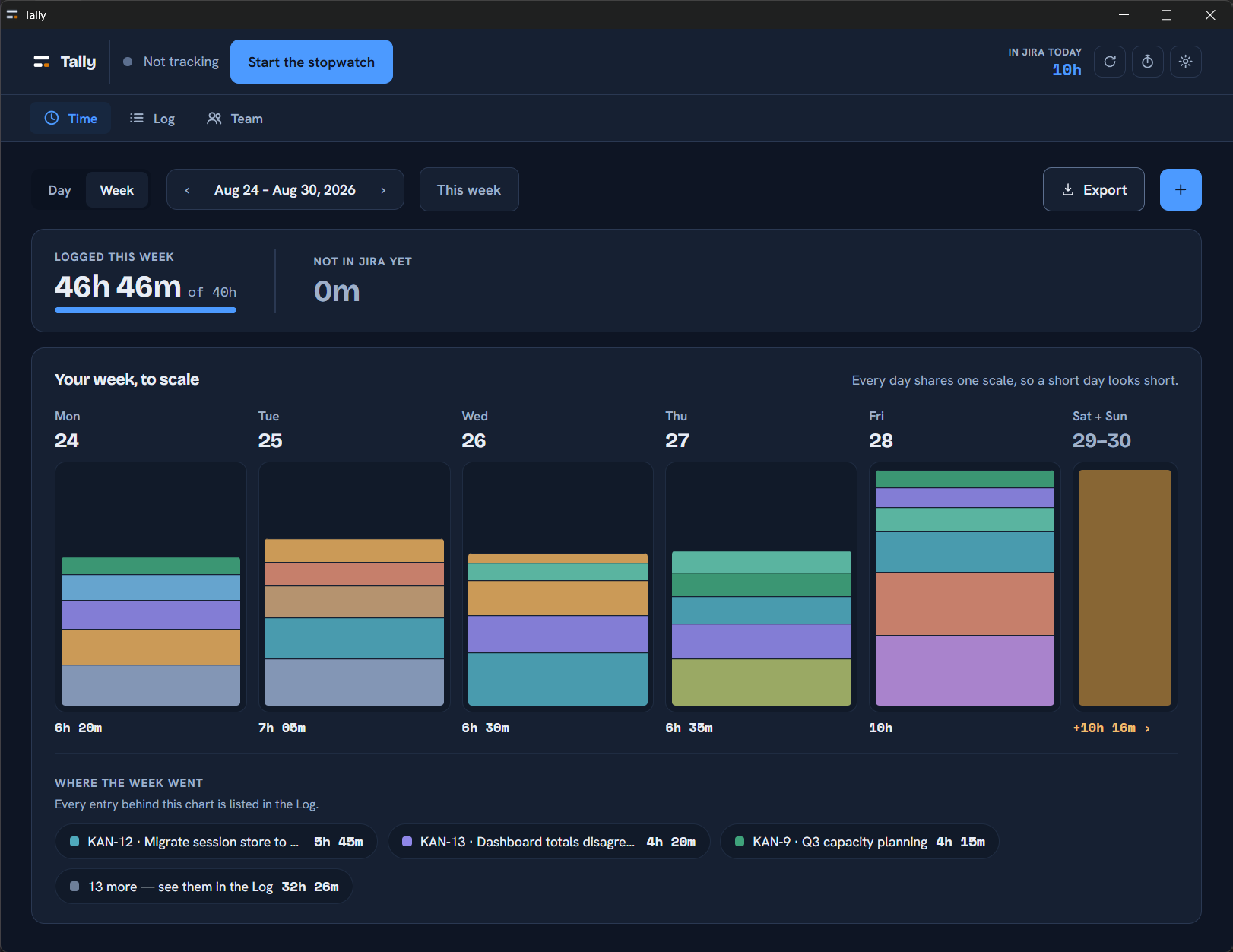
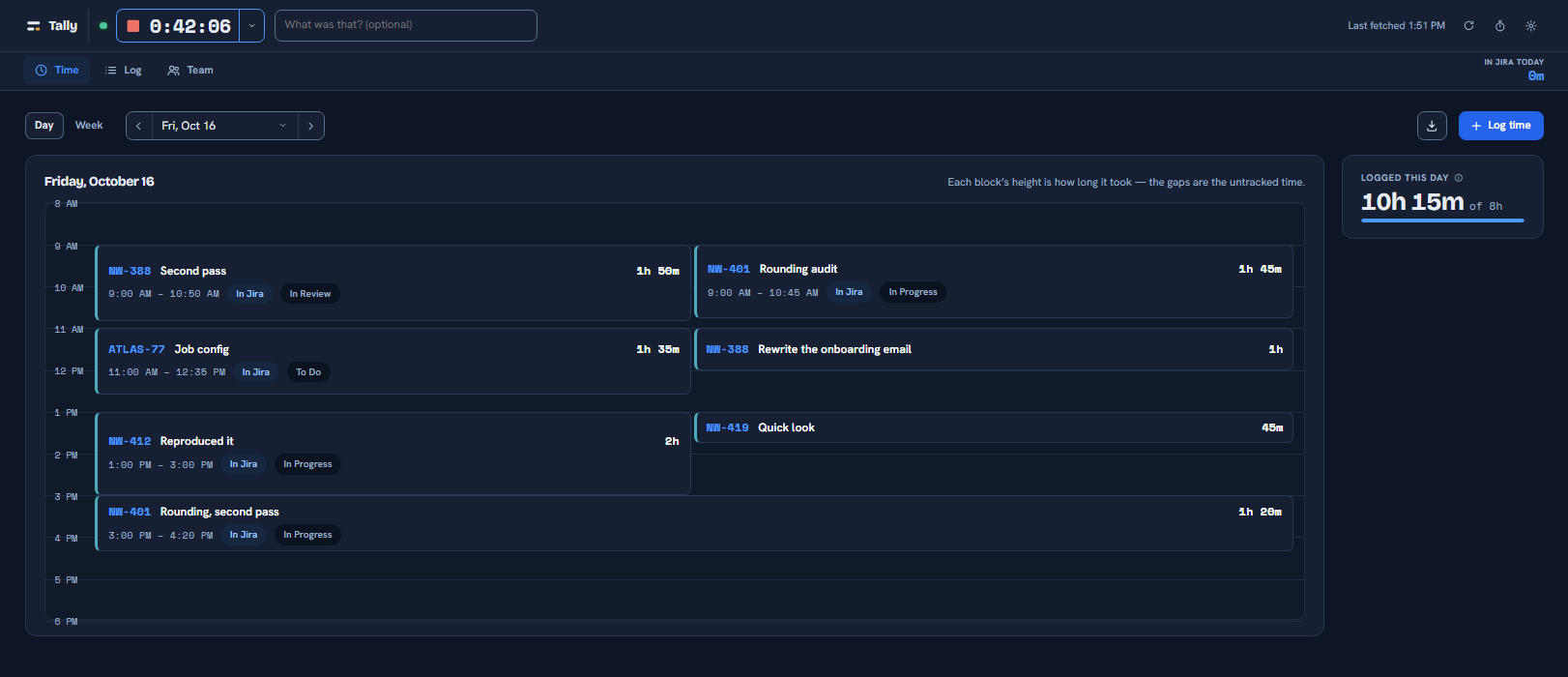
The Day agenda puts an hour’s work at an hour’s height, so a thin day looks thin. The Week grid totals five days at once. The Log is every entry, sortable and filterable, with the columns you choose. The Team view is for people who manage people — and it states its own blind spots rather than presenting a partial total as a complete one.
What it does
- Day, Week, Log and Team views of your existing Jira worklogs
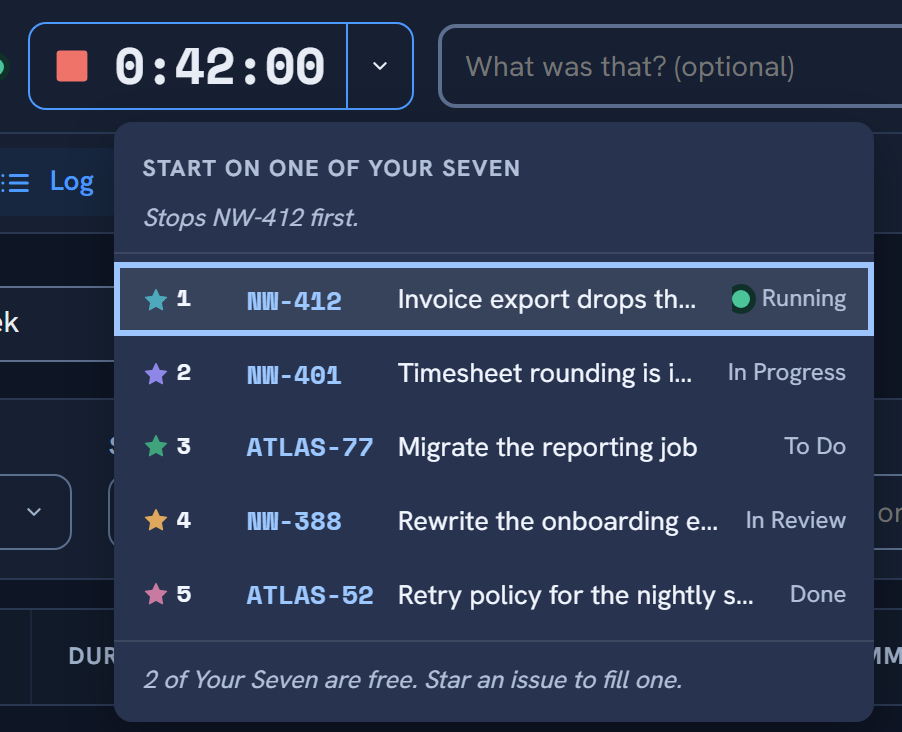
- A stopwatch that survives the browser closing, the laptop sleeping and Chrome shutting the extension down — it stores a start time, never a running counter
- Fills in the issue key from the Jira tab you were just looking at
- Asks about time it counted while your machine was idle or locked, instead of silently keeping or silently trimming it
- Log, edit and delete your own worklogs, one deliberate press at a time
- Close the Week: everything unlogged, reviewed in the Log and put in Jira
- Export any view to CSV or JSON — exactly the rows on screen, with the same filters applied
- Optional rounding to a billing increment, which never changes what is stored
- Back up and restore your stopwatch entries
- A keyboard shortcut to start and stop without opening anything
- An optional end-of-day reminder, off until you turn it on
What it doesn’t do
- No account, no server, no analytics, no telemetry, no third-party code. Tally talks to your Jira site and to nothing else.
- Nothing is written to Jira unless you press a button that says so — and only ever your own worklogs. Tally refuses to touch a colleague’s, which is stricter than Jira itself.
- No ranking of teammates, no score against a target, no red flag beside a name.
- No pricing page. There is nothing to buy and nothing to sign up for.
Before you install
Honest limits.
These are the things worth knowing first, rather than discovering later. They are the same limits the extension states on its own screens.
Three of them
- Jira Cloud only. Server and Data Center are not supported.
- The Team view shows only what your own permissions return. Projects you cannot browse, issues under issue-level security and restricted worklogs are all absent — so Tally says so, on screen and in the export.
- It uses your existing signed-in Jira session. If you are signed out of Jira, Tally will say so and ask you to sign in there. It never asks for your password, and there is nowhere to type one.
Privacy
Tally sends your data nowhere.
There is no Tally server, no account, no analytics, no telemetry, no crash reporting and no third-party code running at any point. Everything Tally reads stays in your own browser profile. The full policy lists every endpoint it calls, every key it stores and every permission it asks for, with the reason for each.